SuperWin Login and Registration in India: Create an Account and Sign In
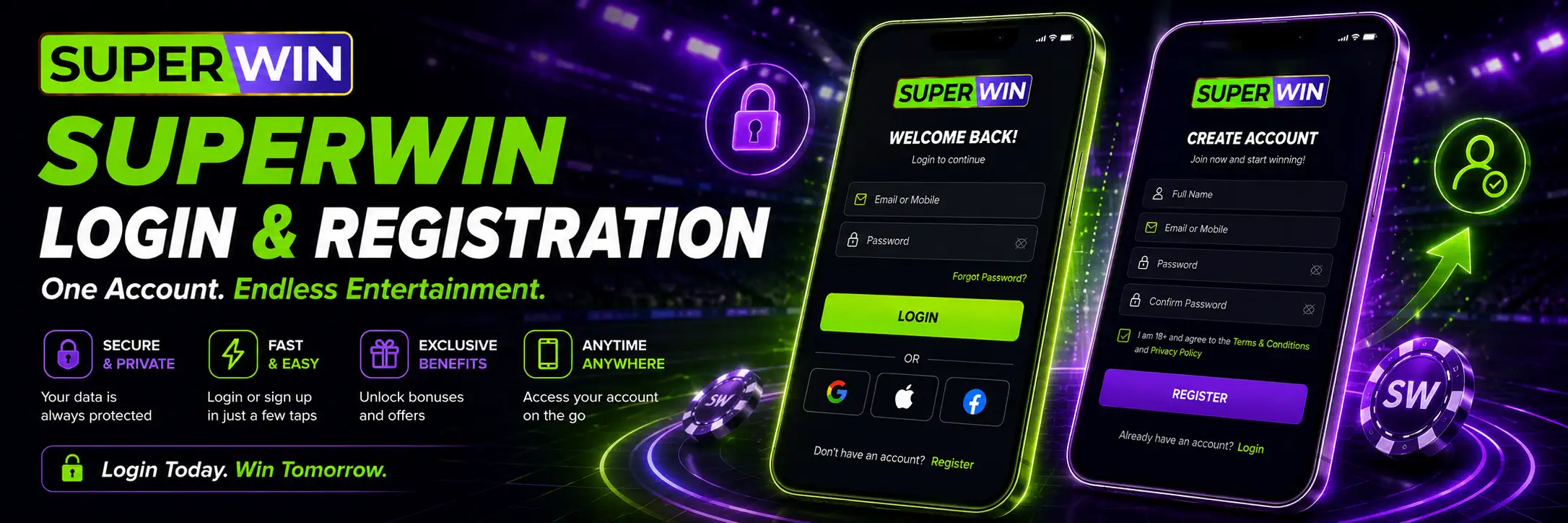
SuperWin registration is the point where casual browsing ends and the actual account stuff begins. Casino games, sports markets, deposits, bonuses, bet history — most of it sits behind that Login button.
The process itself is not complicated. New users create a profile, enter a few personal details and confirm the account. Existing players sign in with the username and password chosen earlier. Done.
Well, usually.
A typo in an email address, an old saved password or a phone number that does not belong to you can turn a two-minute sign-up into a small circus later. Especially when verification or a withdrawal enters the picture. So it pays to slow down for a moment and get the details right from the start.
This guide covers SuperWin registration and login on desktop and mobile, account confirmation, identity checks, common access problems and a few security habits worth keeping.
SuperWin Account Access at a Glance
Players can use SuperWin through a desktop browser or a mobile device. The platform information also lists an app for Android and iOS, so the same account can be used away from a computer.
You do not need one account for the website and another for the phone. That would be pointless. Register once, remember your credentials and use them across the available versions.
| Account feature | Details |
| Registration access | Website or mobile app |
| Login access | Desktop browser and mobile device |
| Information requested | Full name, email, phone number and date of birth |
| Login details | Username and password |
| Account confirmation | Email link or mobile verification code |
| Identity check | Documents may be requested |
| Stated verification time | Up to 24 hours after document submission |
| Mobile platforms | Android and iOS |
| Support | Listed as available 24/7 |
| Main currency | INR |
Registration gives access to the casino, sportsbook, account balance and available promotions. It may also allow a new user to choose a welcome offer during sign-up.
Do not rush that choice. The loud percentage on a banner is only the pretty part. Minimum deposits, wagering conditions, eligible games and expiry dates matter far more.
How to Register a SuperWin Account
You can start registration on the website or through the SuperWin app. The steps should feel familiar to anyone who has created an online account before.
Open the platform and look for Register, Sign Up or Create Account. The exact wording can vary between the desktop and mobile layout, but the button should be easy to spot.
Then comes the form.
SuperWin’s published information says new users are asked for their full name, email address, phone number and date of birth. You will also create a username and password for future logins.
A sensible registration flow looks like this:
- Open the SuperWin website or mobile app.
- Tap Register or Create Account.
- Enter the requested personal details.
- Choose a username and password.
- Review any welcome offer shown during sign-up.
- Submit the form.
- Confirm the account through email or mobile verification.
Nothing exotic there.
Still, check every field before pressing the final button. People make surprisingly messy mistakes when filling out simple forms. A missing letter in the email. The wrong year of birth. An old phone number they no longer use. It seems harmless until an account confirmation message never arrives.
Then it becomes annoying.
What Information Is Needed During Registration?
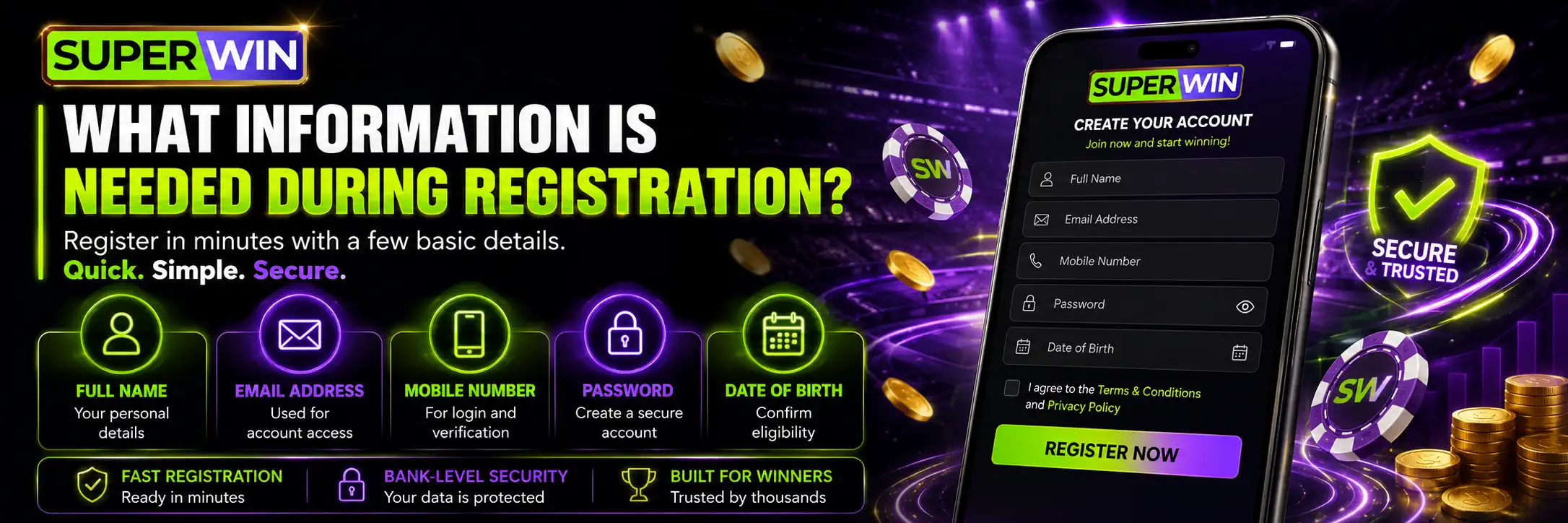
The current SuperWin page lists the basic information below. The live registration form remains the final reference, since fields can change.
| Registration detail | Why it matters |
| Full name | May later be compared with identity documents |
| Email address | Used for account confirmation and messages |
| Phone number | May receive a unique verification code |
| Date of birth | Confirms age and account identity |
| Username | Used to identify the account during login |
| Password | Protects access to the profile |
| Bonus selection | May connect a welcome offer to the first deposit |
Use your real information. Seriously.
A nickname instead of your legal name may look harmless when you are only browsing games. It can become a headache once the account is checked against a document. The same goes for entering a relative’s phone number because your own SIM is temporarily unavailable. Maybe it works today. Later? Messy.
The date of birth deserves a second look too. Do not tap through it blindly.
Registration should only be completed by adults who are legally allowed to use gambling services where they live. A betting account is not something to create “just to see what happens” for an underage user.
Choosing a Username and Password
A username should be easy enough for you to remember without revealing too much personal information. Using a full name, birth year and phone digits in one neat little package is a bad idea. Convenient for attackers, though.
The password matters more.
Avoid obvious choices such as password123, your first name or the name of a favourite cricket team followed by “2026”. Those combinations are guessed constantly. Use something longer and less predictable, mixing letters, numbers and symbols where the form allows it.
Do not recycle the password from your email account. If one service is compromised, a reused password can open the door to everything else.
A password manager is useful here. Or write the credentials down and store them somewhere private. Not on a sticky note attached to a shared computer. Yes, people still do that.
SuperWin Welcome Offer During Sign-Up

The platform information says players may be able to select a welcome bonus during registration. That does not mean every user should click the largest-looking offer without reading anything.
Bonuses come with rules. Always.
Before accepting one, check the current terms for:
- The minimum qualifying deposit;
- The maximum bonus amount;
- Wagering requirements;
- Eligible casino games or sports bets;
- Time limits;
- Withdrawal restrictions.
The main page refers to a generous sign-up reward, but it does not give one fully consistent set of bonus conditions across all sections. For that reason, the live promotion page should be treated as the real source when choosing an offer.
The planned SuperWin bonuses guide can cover those conditions separately. They deserve their own page rather than being squeezed into a registration article and forgotten.
How to Confirm a New SuperWin Account
After submitting the registration form, the account may need to be confirmed.
SuperWin describes two basic methods. The first is email confirmation. A message is sent to the address entered during registration, and the user follows the link inside it to activate the account.
The second is mobile verification. A unique code is sent to the registered phone number.
Check the inbox first. No message? Look in Spam, Promotions or Junk. Email services sometimes decide that an account confirmation link is suspicious while happily delivering ten newsletters nobody asked for.
For a mobile code, make sure the SIM is active and has a signal. Also check the number entered during registration. One wrong digit and the code is travelling somewhere else.
Do not share the confirmation code with anyone. It is meant to prove that you control the phone number connected to the account.
How to Log In to SuperWin
Already registered? Signing in should take less time than reading this paragraph.
Open the website or app, select Login and enter the username and password created during registration. Then press the login button to access the account.
The desktop header shown on the site contains separate Login and Register buttons, which keeps things clear. New account on one side, existing account on the other. No digging through five menus.
The basic login process is:
- Open the SuperWin login page or app.
- Enter the registered username.
- Enter the password.
- Check the details.
- Tap Login.
The source page suggests saving the password in the browser or mobile app for quicker access. That can be convenient on your own secured device.
On a shared phone or public computer? Don’t.
Someone who opens the saved account may gain access to personal details, bonuses, betting history and the balance. Logging out after the session is boring but sensible.
SuperWin Login on a Mobile Phone
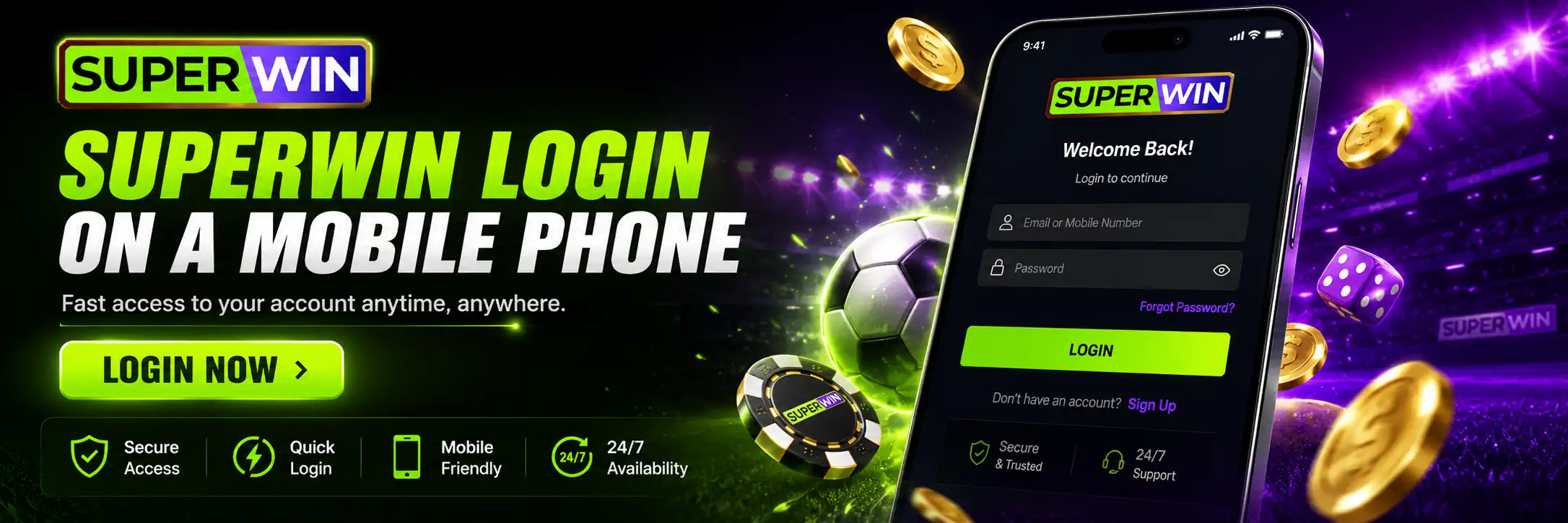
Mobile login uses the same account details. Open the app, tap Login and enter the username and password you already use on the website.
There is no reason to create another profile just because you changed devices.
The app is listed for both Android and iOS and is described as providing access to games, wagering, rewards, payments and account notifications. That makes mobile access handy for users who follow cricket odds during a match or simply do not want to sit at a desk.
The mobile browser is another option. For occasional access, it may be enough. Regular users may prefer the app because it opens directly from the home screen and can display account updates.
Read the full SuperWin app guide for download and installation instructions.
SuperWin Login Problems and Easy Fixes
Login problems are often dull rather than dramatic. A capital letter where there should not be one. An old password stored by the browser. Weak mobile data. Tiny things.
Start there.
| Login problem | Likely reason | What to try |
| Password rejected | Typo, wrong case or outdated saved password | Type it manually and check Caps Lock |
| Username not accepted | Wrong username or accidental space | Remove spaces and check the original details |
| Page keeps loading | Weak or unstable internet connection | Switch between Wi-Fi and mobile data |
| App closes during login | Old app version or device issue | Restart the phone and check for an update |
| Confirmation email missing | Message filtered by the email provider | Check Spam, Junk and Promotions |
| Mobile code not received | Wrong number, signal problem or delay | Check the number and request another code if available |
| Account access blocked | Too many failed login attempts | Stop guessing and contact support |
| Details forgotten | Username or password cannot be recalled | Use the available recovery route or ask support |
Repeatedly trying random password variations is rarely clever. After enough failed attempts, access may be restricted for security reasons.
Look for the password recovery option on the login screen. If it is not available or does not work, contact support rather than opening a second account. A duplicate profile may create an entirely new problem.
When asking for help, explain what happened clearly. “Login broken” is not very useful. Mention whether you are using the website or app, what message appears and whether the problem started after changing a password or device.
Screenshots help. Just hide personal and financial information first.
SuperWin Account Verification
Account confirmation and identity verification are related, but they are not the same thing.
Email or phone confirmation proves that you have access to the contact details entered during sign-up. Identity verification goes deeper. It checks whether the person using the account matches the information and documents connected to it.
SuperWin states that verification may involve uploading identity documents. The wording on the existing homepage is unclear about the precise document combination, so players should follow the current instructions shown inside their own account rather than relying on that sentence alone.
Possible checks mentioned on the platform include:
- Email confirmation;
- Mobile number verification;
- Identity document upload;
- Review by the support team.
The platform says document confirmation may take up to 24 hours. Real processing time can vary if an image is blurred, part of the document is cut off or the registration details do not match.
Take clear photos. All corners visible. No glare blasting across the name and number.
And check the details before uploading anything. If the account says “Raj Kumar” but the document shows a different legal name, the review is unlikely to sail through quietly.
A separate SuperWin KYC and verification guide can explain the document stage in more detail.
Why Verification May Be Requested Before a Withdrawal
Players sometimes ignore verification until they want to withdraw. Then the request feels sudden, even though the account has been asking for it in the background.
Verification is used to confirm identity and reduce fraudulent account activity. It may also be needed to check that the payment account belongs to the same person.
Complete it early when the option is available. Waiting until money is already sitting in a pending withdrawal only adds stress.
The source page says a user receives confirmation by email or through the mobile application once the review is complete. Keep an eye on both.
Keeping the SuperWin Account Secure
A gambling account handles personal information and money. Treat it that way.
Use a private device where possible. Add a screen lock. Fingerprint or face recognition is useful too, though neither replaces a proper account password.
Never send your password to someone claiming to work for support. The same rule applies to one-time mobile codes and email confirmation links. A genuine support conversation may require your registered email, phone number or basic profile details. Your password should remain yours.
Also be careful with copied links. A fake login page can look close enough to the real one, especially on a small screen where the full address is hidden. Open the site from a saved bookmark or type the expected address yourself.
Public Wi-Fi is not a great place for deposits, withdrawals or account changes. Maybe nothing happens. Maybe someone is snooping. There is little benefit in finding out.
The SuperWin homepage states that encryption is used to protect personal and financial activity. Good account habits still matter on the user’s side.
Login, Deposits and Account Details
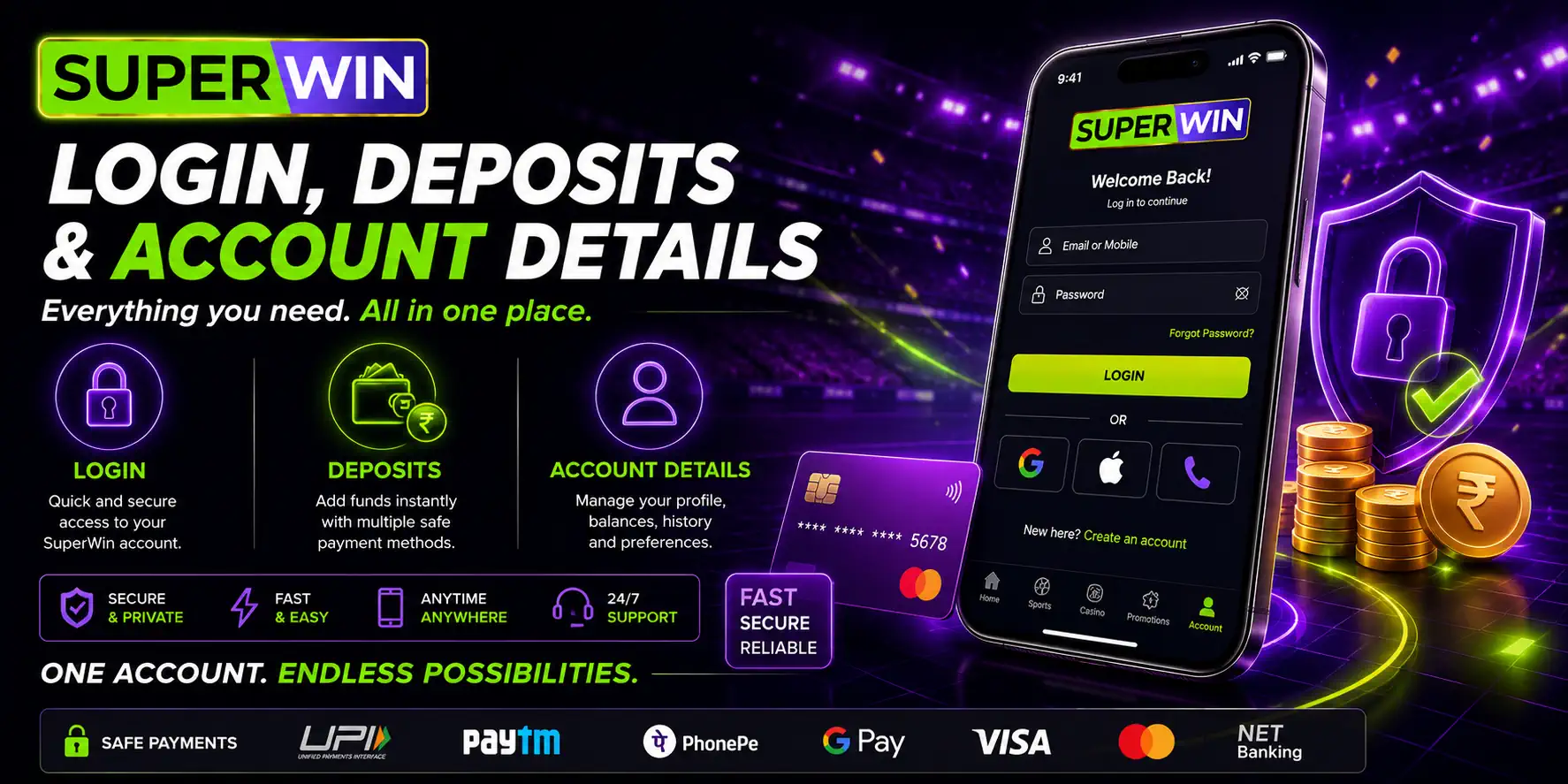
After login, players can access the account balance and available payment methods. The main page lists options such as UPI, NetBanking, Visa/Mastercard, Paytm, Skrill, PhonePe, AstroPay and Google Pay.
Payment availability and limits may differ inside the cashier, so check what is shown after signing in.
Use payment details that belong to the account holder. A different name on the payment method may trigger questions during verification or withdrawal. Avoiding that mismatch from the beginning is much easier than explaining it later.
The full process belongs in the SuperWin deposit and withdrawal guide.
When to Contact SuperWin Support
SuperWin lists support as available 24/7 through live chat, email and social channels.
Contact the team when:
- The account confirmation message does not arrive;
- Login remains blocked after checking the credentials;
- A mobile verification code cannot be received;
- Personal details need correction;
- Verification has exceeded the stated review period;
- The account shows activity you do not recognise.
When reporting suspicious activity, change the password first if you still have access. Then contact support.
Be direct. Give the registered contact information, describe the issue and mention the device used. Never include the password or full payment details in an ordinary message.
Responsible Account Use
Easy login is convenient. Maybe a little too convenient sometimes.
A phone puts casino games and sports betting within reach at any hour. During a cricket match, at night, while waiting for a bus. That constant access can quietly turn a planned ₹500 session into something much larger.
SuperWin’s main page mentions responsible gambling tools including deposit limits, activity monitoring and self-exclusion. Use them when needed. They are not only for someone at the edge of disaster.
Set a budget before depositing. Do not chase a losing bet with a bigger one. And never treat a welcome bonus as free cash. It is a promotion tied to conditions and gambling activity.
The future responsible gambling guide will cover these tools more fully.
FAQ
Can I use the same SuperWin account on desktop and mobile?
Yes. The same username and password can be used to access the account through the available versions. A separate mobile profile should not be necessary.
Do I need to confirm my email address?
SuperWin states that an email containing an activation link may be sent after registration. Open the message and follow the link to confirm the account.
Can I save my SuperWin password?
The source page suggests saving it in the browser or app for convenience. Only do this on a private, protected device. Avoid saving account details on a shared phone or public computer.
Is account verification required?
SuperWin says identity verification may be requested for security purposes. This can involve email confirmation, phone verification and document review.