SuperWin KYC and Verification in India: Email, Phone and Document Checks
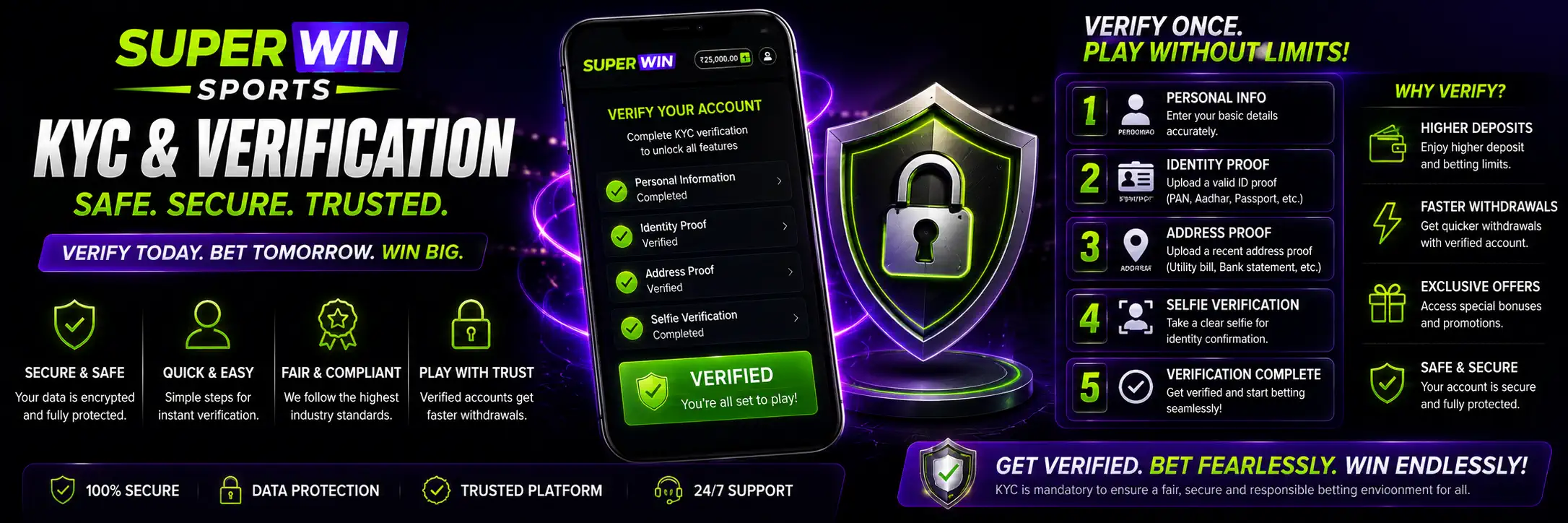
Creating a SuperWin account takes only a few fields. Confirming that the account really belongs to the person using it can involve a little more work.
That second stage is usually called verification or KYC.
SuperWin says it requires account verification for security purposes and to confirm the player’s identity. Its homepage divides the process into email verification, mobile confirmation, document upload and final approval from support.
The platform also states that document confirmation may take up to 24 hours. Once the review is complete, the player should receive a notification by email or through the mobile app.
One part of the published instructions is less clear. The page asks users to upload a passport “with the back of” a driver’s licence. It does not explain whether both documents are always required, whether alternatives are accepted or exactly which sides and pages should be submitted.
That wording should not be guessed into something more precise than it is.
Players should follow the document request displayed inside their own SuperWin account. When the instructions there remain unclear, support is the right place to ask before uploading random files.
This guide explains what SuperWin confirms about KYC, how its email and phone checks work, how to prepare document images and what to do when verification remains pending.
SuperWin Verification Overview
The SuperWin homepage presents verification as part of account security and identity confirmation.
| Verification stage | What SuperWin states | Important detail |
| Email verification | A confirmation link is sent to the registered email | The link is used to activate the account |
| Mobile verification | A unique code is sent to the registered phone number | The code must be entered in the account |
| Document upload | The page refers to a passport and the back of a driver’s licence | The exact document requirement is not clearly explained |
| Support review | Uploaded documents are checked | The page says this may take up to 24 hours |
| Final notification | Confirmation is sent after approval | It may arrive by email or mobile app |
The source does not publish a complete KYC policy. It does not state every document accepted, file-size limits, supported image formats or all reasons a review may fail.
The account verification screen should therefore be treated as the current instruction.
What Does KYC Mean?
KYC stands for Know Your Customer.
In practical terms, it is the process used to connect an online account with a real person. The platform checks whether the contact information and submitted identity details belong to the account holder.
SuperWin describes the purpose more simply: security and identity confirmation.
Verification can help prevent someone from using another person’s details, payment information or account. It can also help SuperWin investigate suspicious access or conflicting personal information.
KYC does not mean sending every private document a person owns.
Submit only the information requested through the official SuperWin account or confirmed support channel. A request for an unrelated document, password or banking PIN should be treated with suspicion.
When Does SuperWin Ask for Verification?
The homepage places the verification section after registration and login instructions.
Email confirmation appears to be connected directly with account activation. Mobile verification uses a code sent to the registered number. Document verification is described as a separate step reviewed by support.
The source does not clearly state whether every player must upload documents immediately after registration.
It also does not confirm the exact moment at which full KYC becomes mandatory. The request may appear during account setup, before certain financial actions or after an account review, but those possibilities are not individually explained on the supplied page.
Check the verification status after creating the account rather than waiting until an important transaction is already pending.
A small administrative task feels much larger when money is sitting behind it.
SuperWin Email Verification
SuperWin says a confirmation email is sent after registration.
The message contains a link used to confirm and activate the account. Open the registered inbox, find the email and follow the link.
When it does not appear, check the Spam, Junk and Promotions folders. Email providers occasionally hide the message that actually matters while delivering twelve shopping newsletters perfectly.
Make sure the address entered during registration is correct. One missing letter can send the confirmation link somewhere else or nowhere useful.
Do not click account links from an unexpected sender. Compare the message with the registration action you just completed. A verification email arriving when no account activity took place deserves caution.
The homepage does not state how long an activation link remains valid or whether the user can resend it. Those options should be checked on the verification screen.
SuperWin Mobile Verification
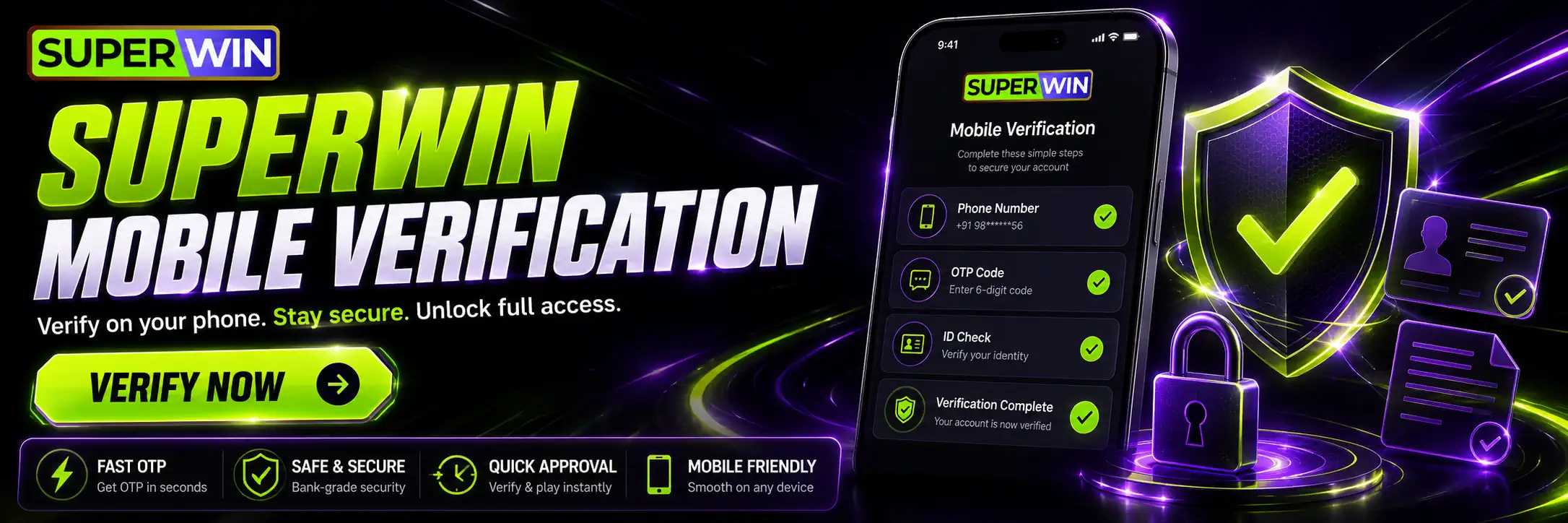
The mobile stage uses a unique code sent to the phone number connected with the account.
Enter that code in the requested field. Do not share it with another person.
A verification code proves control of the phone number. Anyone who receives the code from the player may be able to complete an account action pretending to be them.
SuperWin support should not need the code in a chat message. The player enters it into the account interface.
When the SMS does not arrive, first check the phone number and country code. Then wait briefly before requesting several new codes. A later request may invalidate the earlier one, leaving the phone full of numbers that no longer work.
The source does not publish an SMS delivery time, code expiry period or retry limit.
Documents Required for SuperWin Verification
This is the least clear part of the homepage.
The published text refers to uploading a passport together with the back of a driver’s licence. It says this is done to prevent fraudulent activity.
The page does not clarify:
| Document question | Answer available from the source |
| Is a passport always mandatory? | Not clearly stated |
| Is a driver’s licence always mandatory? | Not clearly stated |
| Are alternative identity documents accepted? | Not stated |
| Is proof of address required? | Not stated |
| Is a selfie required? | Not stated |
| Is payment ownership proof required? | Not stated |
| Which image formats are supported? | Not stated |
| What is the maximum file size? | Not stated |
Do not assume the requirements from another betting platform apply to SuperWin.
Open the KYC section and submit exactly what it requests. When the form and homepage appear to conflict, ask support which documents are needed for that specific account.
Uploading several unnecessary documents does not necessarily make verification faster. It simply shares more information than required.
How to Complete SuperWin Verification
The process described by SuperWin can be organised into four main stages:
- Confirm the email address through the activation link.
- Enter the unique code sent to the registered mobile number.
- Upload the documents requested in the verification area.
- Wait for support confirmation and check email or app notifications.
Use the same personal details throughout the process.
The name and date of birth entered during registration should correspond with the identity information submitted later. A spelling mistake in the profile may create a mismatch even when the document itself is genuine.
Review the registration form before completing it. Correct information is easier to verify than a hurried typo explained afterwards.
Preparing Documents for Upload
The source does not provide technical photo instructions, but readable images are the sensible goal.
Place the document on a flat surface with enough light. Keep all requested edges and information visible. Avoid glare across the photograph, name or document number.
Do not edit the document to make it look cleaner. Heavy filters, erased backgrounds and altered text can make a legitimate image appear suspicious.
| Image issue | Why it can cause trouble | Better approach |
| Blurred text | Details cannot be checked | Hold the camera steady and refocus |
| Bright glare | Information becomes hidden | Move away from direct light |
| Cropped edges | The full document is not visible | Include all requested corners |
| Very dark image | Security details may disappear | Use even room lighting |
| Edited photograph | Authenticity may be questioned | Upload the original clear image |
| Expired document | Identity information may not be accepted | Follow the current account request |
The final row is general practical guidance rather than a requirement stated on the supplied homepage. SuperWin’s live KYC screen remains the authority on what it accepts.
How Long Does SuperWin Verification Take?
SuperWin says support confirmation after document upload can take up to 24 hours.
That is the only concrete verification time published on the supplied page.
It does not mean every review will take exactly 24 hours. Some may finish earlier. A problem with the files or account details could require additional action.
The stated period also refers to verification confirmation, not necessarily to deposits or withdrawals. It should not be reused as a guaranteed payment-processing time.
After uploading the files, check the verification page, email inbox and app notifications. SuperWin says the result may be delivered through email or the mobile application.
Repeatedly uploading the same documents while the first review is still active may create duplicate submissions. Leave the review alone unless the account requests another file or the published period has passed without an update.
Why SuperWin Verification May Be Delayed
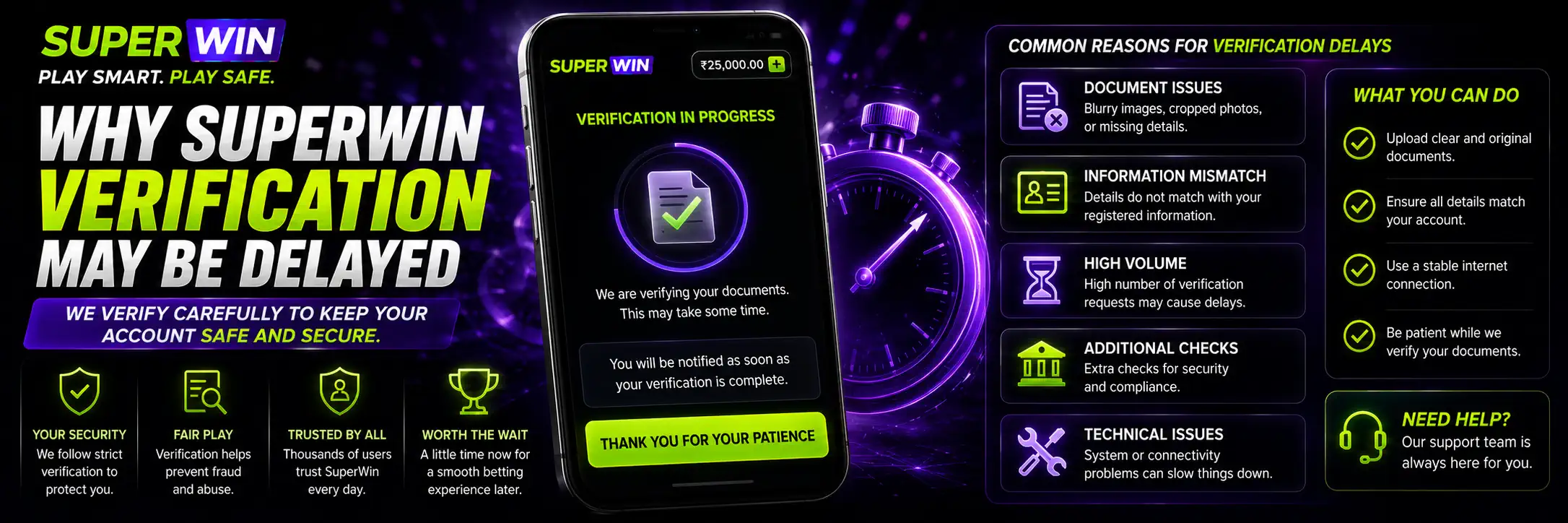
The homepage does not publish a rejection-code list. Several practical issues can still make a document difficult to review.
The image may be unreadable. The account details may differ from the document. The requested side of the document may be missing. Support may also need the player to clarify which file was uploaded.
Look for an account message before sending everything again.
When support asks for a replacement, read the reason carefully. “Image unclear” needs a better photograph. “Details do not match” requires checking the account information. Those are not the same problem.
Do not solve a name mismatch by editing the document image. Correct the account information through the proper support process.
Why KYC May Be Rejected
A rejected verification does not always mean the account is permanently blocked.
It may simply mean that the submitted material could not be accepted in its current form.
| Possible problem | Practical response |
| Email has not been confirmed | Use the activation link or request another one if available |
| Phone code is incorrect | Check the number and use the newest valid code |
| Document image is unclear | Upload a new readable photograph |
| Required side is missing | Follow the exact upload request |
| Account details do not match | Contact support before resubmitting |
| Review has exceeded the stated period | Ask support for the current status |
These are practical troubleshooting possibilities. The supplied homepage itself does not provide a formal list of rejection reasons.
Keep the support conversation and any case number until the account is approved.
Matching Registration and Document Details
The registration section asks for basic information such as full name, email, phone number and date of birth.
Those details should be entered accurately from the beginning.
A nickname may be convenient in ordinary conversation. It is not necessarily helpful when a document shows a different legal name. The same problem can happen with an incorrect date of birth or an old phone number.
Email and mobile verification confirm control of the contact channels. Document verification connects the personal identity with the account.
They are separate checks serving different parts of the process.
When a genuine spelling error appears in the account, contact support instead of creating another profile. A second account can make identity verification more complicated rather than fixing the original mistake.
SuperWin KYC and Withdrawals
The supplied homepage does not explicitly say: “KYC must be completed before every withdrawal.”
It does say verification is required for security and identity confirmation. Since SuperWin also handles deposits and withdrawals, players should expect verification status to matter when the platform needs to confirm who controls an account or payment destination.
The exact cashout requirement should be checked in the live withdrawal section.
Complete KYC early when the account offers that option. Discovering a document issue before requesting money is far less stressful than discovering it after.
Use payment details belonging to the same account holder. The source does not publish a detailed third-party payment policy, but matching ownership avoids an obvious source of confusion.
The payment process is explained in SuperWin Withdrawal.
SuperWin Verification and Bonuses
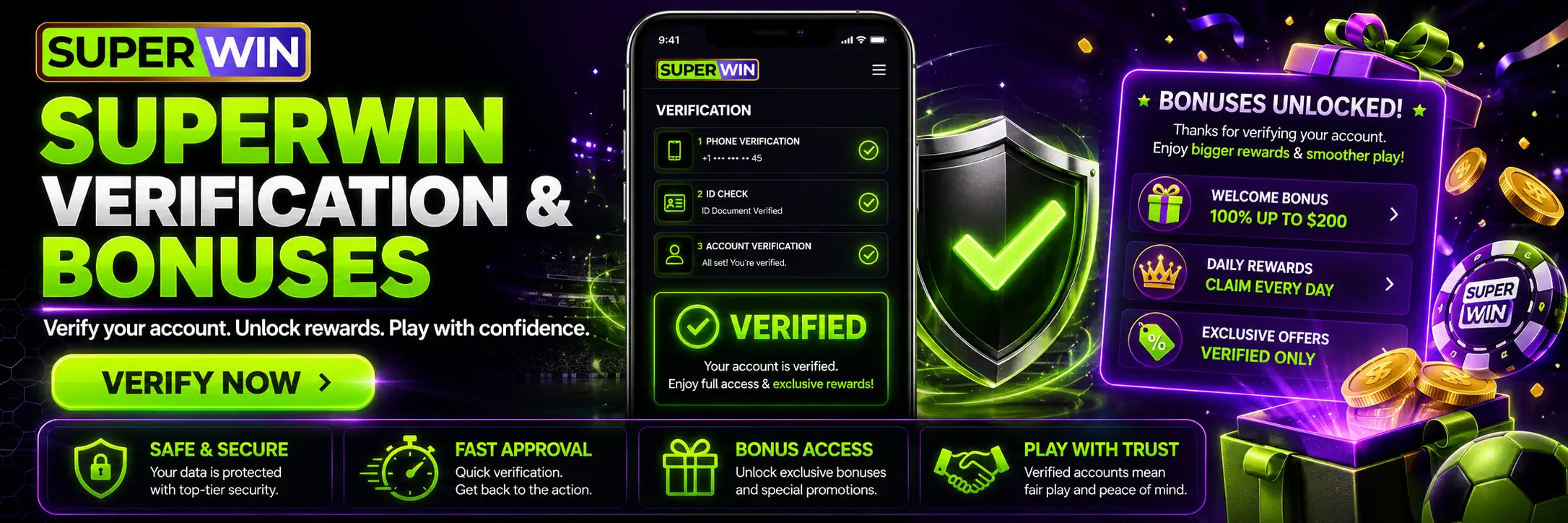
The homepage does not state that KYC is required to activate the casino or sports welcome package.
It also does not say that receiving a bonus removes the need for verification later.
Bonuses and KYC serve different purposes. A bonus attaches promotional conditions to the balance. Verification confirms the account holder.
A player can therefore have a visible reward while the account still requires identity confirmation.
Do not create another profile to claim a second welcome offer when verification becomes inconvenient. The supplied source does not publish a multiple-account policy, but duplicate identities are exactly the sort of situation that can create security questions.
Finish the existing account process instead.
Completing Verification on Mobile
SuperWin lists an app for Android and iOS and says verification confirmation may arrive through the mobile application.
The actual upload process may therefore be available from a phone, depending on the account interface.
A mobile camera is convenient for document photographs. Check the final image before submitting it. Small text can look sharp on the camera preview and become unreadable once uploaded or compressed.
Use a private device with a screen lock. Delete unnecessary document copies from shared folders or public cloud links after the process is complete.
Do not upload identity files through an unofficial messaging account merely because someone claims to be support.
Protecting Personal Information During KYC
SuperWin states elsewhere on its homepage that it uses encryption and secure systems to protect personal and financial activity.
Players still need to protect the information before it reaches the platform.
Use the expected SuperWin website or app. Do not follow a KYC link from a random social-media message. Check the account itself for a verification request.
Never share:
- The account password;
- A banking PIN;
- A card security code;
- An SMS or payment OTP.
A genuine identity check may require a document through the official upload form. It does not require handing control of the account to another person.
Be especially careful with messages demanding immediate verification through a private transfer or unknown file-upload site.
Urgency is useful to scammers. Proper account review can survive a minute spent checking the source.
What to Send SuperWin Support
When verification remains pending beyond the published timeframe, contact support with enough information to locate the review.
Provide the registered email or account username, the approximate upload time and the status displayed in the verification section. Describe the problem clearly.
Do not attach every identity file again unless support asks.
A useful message would explain that verification was submitted, that the page still shows Pending and that the stated 24-hour period has passed.
“Why am I not verified?” is understandable. A date, time and account status make it easier to investigate.
The homepage lists support as available 24/7 through live chat, email and social channels. Sensitive document files should still be sent only through a channel explicitly approved for that purpose.
Can SuperWin Request Verification Again?
The supplied homepage does not address repeated verification.
An account may need updated information when contact details or personal documents change, but no specific SuperWin re-verification policy appears in the source.
When a new request appears, check it from inside the account. Do not assume it is fake simply because verification was completed earlier. Do not assume it is genuine merely because a message uses the SuperWin name either.
The official account status should settle the question.
Can SuperWin KYC Be Skipped?
The homepage says SuperWin requires account verification for security and identity confirmation.
That makes KYC part of the platform’s stated account process, not an optional cosmetic feature.
The source does not provide a method for permanently skipping it.
Ignoring the email link, mobile code or document request may leave the account unconfirmed or restrict actions that depend on verified identity. The exact restrictions are not listed on the supplied page.
When a requested document cannot be provided, contact support and ask whether an accepted alternative exists. The homepage does not list alternatives, so inventing one would not help.
Final Thoughts on SuperWin KYC
SuperWin divides verification into email confirmation, mobile verification, document upload and support approval.
The email stage uses an activation link. The phone stage uses a unique code. The document stage is less clearly described: the homepage refers to a passport and the back of a driver’s licence without explaining whether both are always required or which alternatives may be accepted.
Follow the live account request rather than guessing.
SuperWin says document confirmation may take up to 24 hours and that approval may be reported by email or through the mobile app.
Use accurate registration details. Upload clear, unedited images. Keep verification codes private. When the instructions are unclear, ask support before sending additional identity information.
KYC is not the exciting part of an account.
That is precisely why it is better to finish it calmly, before it becomes urgent.
FAQ
Is SuperWin verification required?
The homepage says SuperWin requires verification for security purposes and identity confirmation.
How does SuperWin phone verification work?
A unique code is sent to the registered mobile number and entered into the account.
Can I give the mobile code to support?
The code should be entered through the official verification interface. Do not share it with another person.
Which documents does SuperWin require?
The homepage refers to a passport and the back of a driver’s licence, but the exact requirement is unclear. Follow the current request inside the account.